


The Case For Watching Every Frame
Most collisions announce themselves first. Repeated close calls, illegal turns, late crossings and speeds well above the posted limit show up in the footage long before anyone is hurt. Traffic Vision finds those patterns while there is still time to act on them.
It does this without new hardware. Traffic Vision works from the video cameras already installed at intersections, so a municipality can add AI powered traffic analysis and safety monitoring without new camera infrastructure or radar detectors.
Three Jobs, One System
Planning Data
Continuous traffic analytics from existing intersection cameras, ready for traffic engineers and planners.
Safety Evidence
Near misses and conflicts between pedestrians, cyclists, scooters and vehicles, detected, counted and mapped so hazards are fixed before a serious collision.
Signal Compliance
Every movement checked against the signal and the posted turn restrictions, so problem approaches are identified with evidence.
Who It Is For
Municipal traffic engineering and planning departments, road safety programs, and the civil engineers and transportation consultants who serve them. Any organisation that already records its intersections and wants to know what the footage can tell it.
How It Works
Point Traffic Vision at intersection video. Calibrate the camera angle once, marking the approach legs, crosswalks, bike lanes and signal heads. Run the analysis and the software tracks every road user through the scene, classifies each movement, measures speeds in real world units, checks movements against the signals, and writes the results into an annotated video, a PDF report and open data files.
From Reactive To Proactive
Traffic safety has always been reactive: a collision happens, then the intersection gets attention. Traffic Vision turns that around. By analysing traffic patterns, near miss incidents, vehicle movements, pedestrian activity and recurring conflicts, it shows what is happening before an accident occurs.
Collected over time, that record tells a municipality where dangerous interactions keep happening and which intersections need attention first. The same data supports planning work: evaluating intersection design, signal timing, pedestrian crossings and traffic flow with evidence instead of assumptions.
One Example
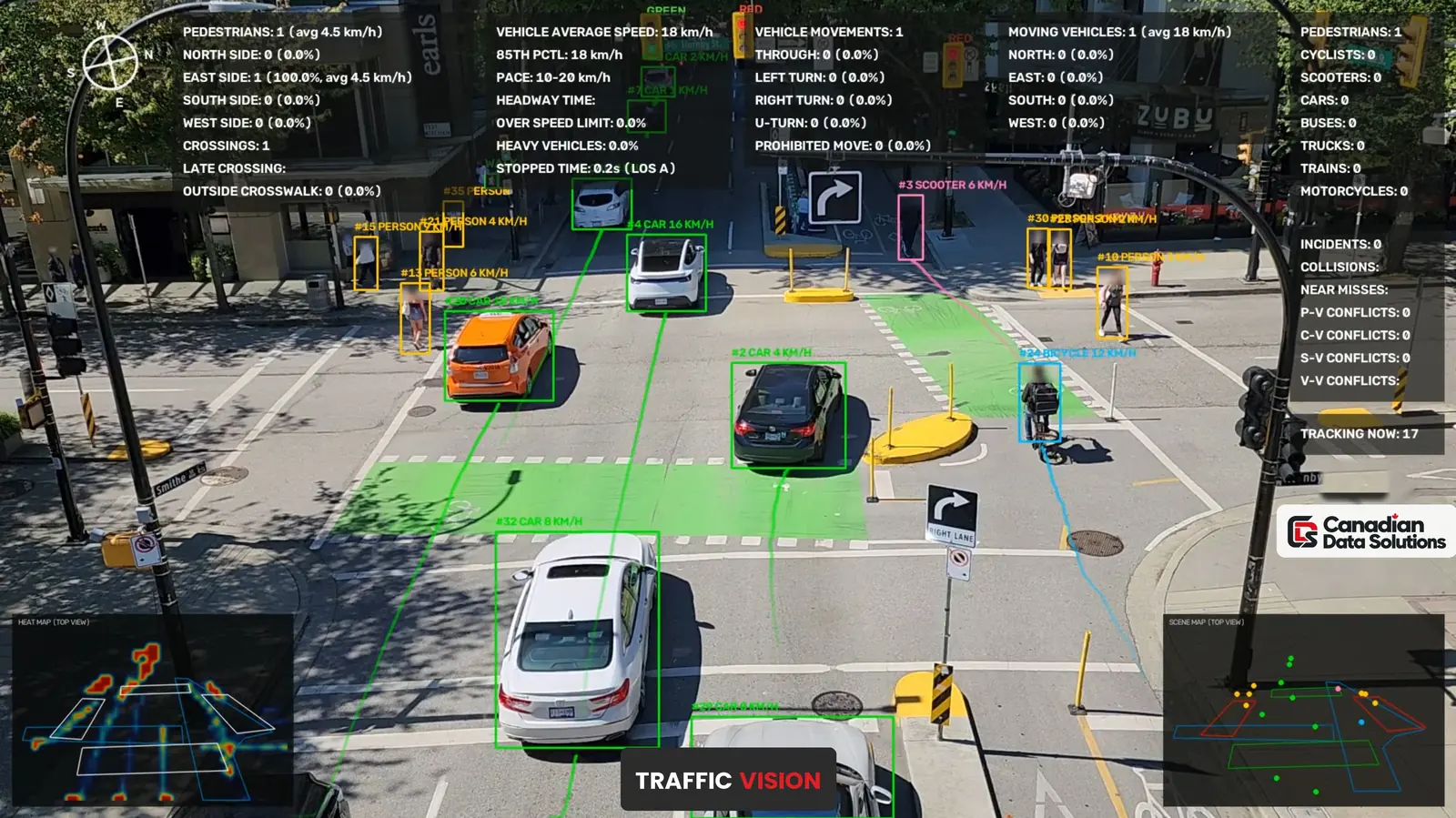
In the video above, Scooter #120 runs a red light against the northbound traffic lane and creates a scooter and vehicle conflict. Traffic Vision detects the conflict, classifies it, records the details, counts the incident and includes it in the automatically generated PDF report alongside every other incident from the session. That report gives civil engineers documented conflict data they can use to identify recurring hazards and plan the fix.
Scene Map & Heat Map
Two overlays turn a large amount of tracking data into something you can read at a glance, drawn directly on the video while the analysis runs.
- The Scene Map is a top down view of the intersection showing the areas the AI is monitoring and where every vehicle, pedestrian, cyclist and scooter is being tracked at that moment.
- The Heat Map shows where traffic activity and movement concentrate. Over time it reveals high activity areas and recurring movement patterns that may need attention.
Both maps also appear in the desktop application, so engineers and planners can review them after the fact without scrubbing through video.
Detection, Tracking & Classification
- Live intersection monitoring with AI analysis of vehicles, pedestrians, cyclists and scooters.
- Detects and tracks cars, trucks, buses, motorcycles, trains, bicycles, scooters and pedestrians, each as its own class, with bicycles and scooters kept separate.
- On screen labels for every tracked object: ID, class and speed, written into the annotated video.
- Vehicle motion trails that show the path each vehicle took through the intersection.
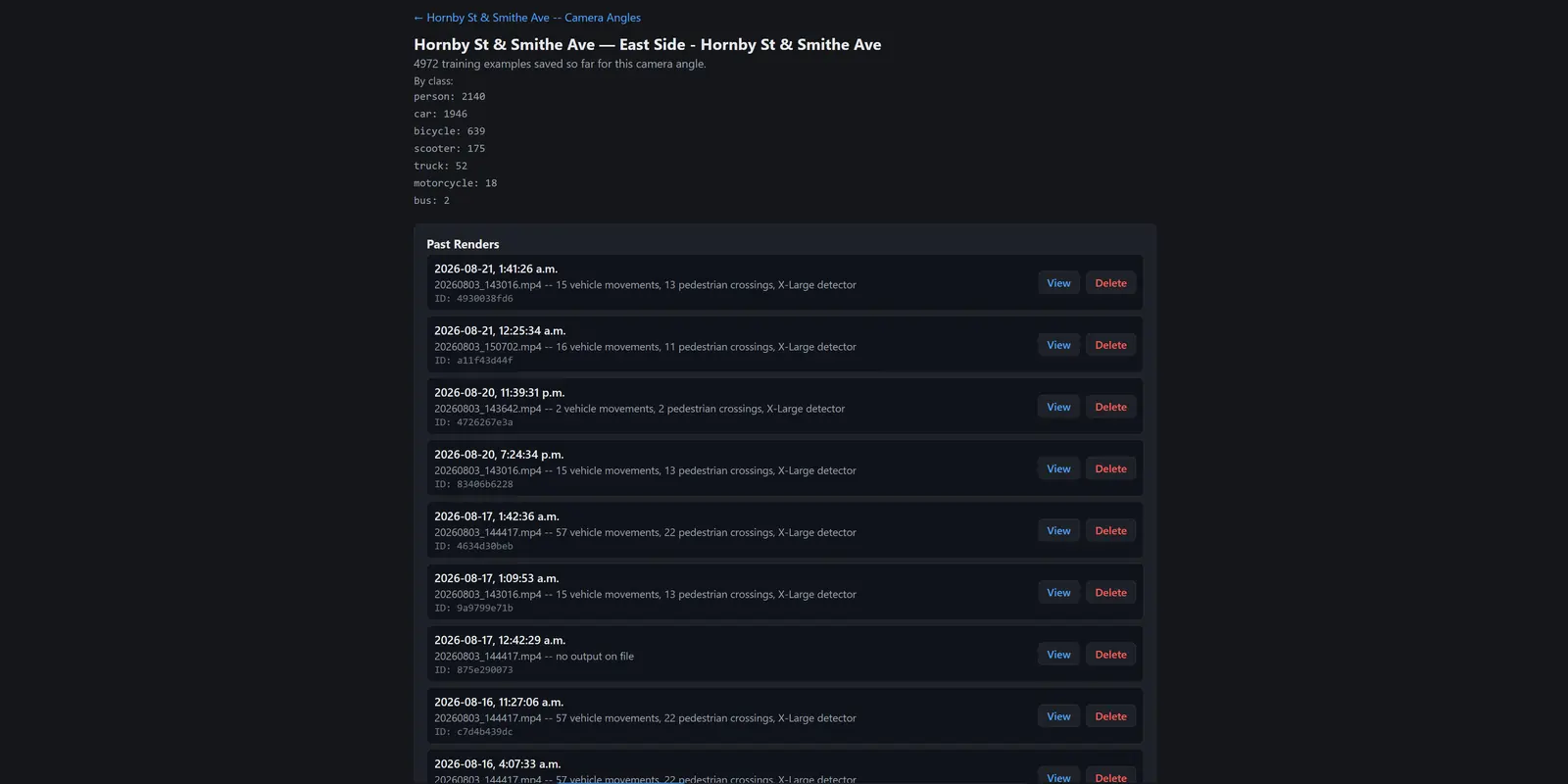
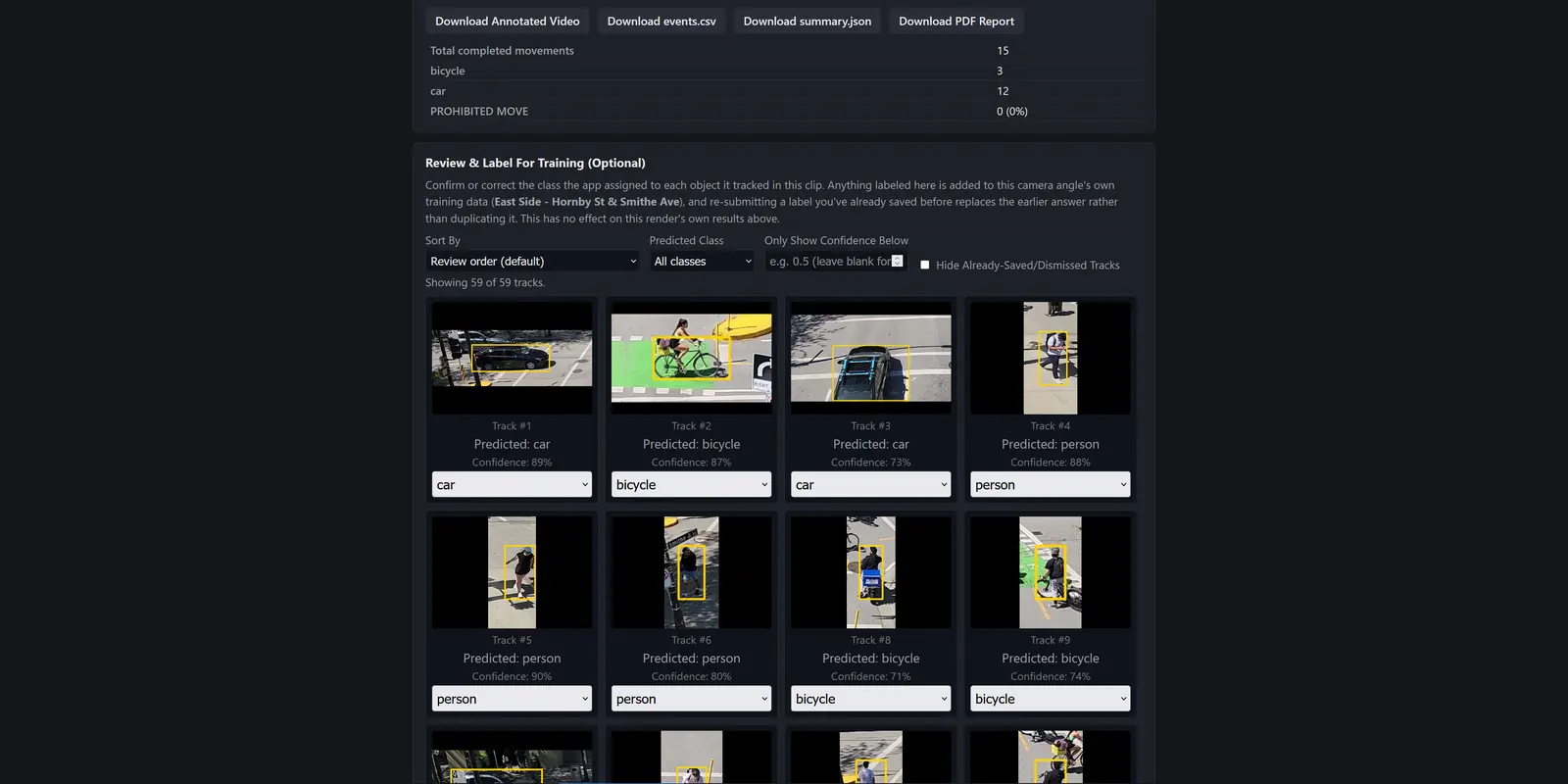
- A per camera classifier that can be trained on that camera’s own footage, with a review screen for confirming or correcting classes, so accuracy improves over time.
Calibration & Geometry
- A calibration tool that adapts to any intersection layout, done once per camera angle: approach and exit legs, crosswalks, bike lanes, pedestrian signal heads, vehicle signal heads and a jaywalking zone.
- Ground plane calibration that converts pixel motion into real world metres, so speeds and distances are measured, not guessed.
- Compatible with existing traffic camera infrastructure; every measurement from speed to movement type to violations is built on this calibration layer.
Movement & Speed Analytics
- Through, left turn, right turn and U turn classification for every vehicle, by approach direction.
- Counts and average speeds broken down by approach: north, south, east and west, with busiest approach and volume by approach summaries.
- Optical speed estimation using AI and computer vision, with a live speed readout on screen.
- 85th percentile speed and posted speed limit compliance tracking.
- Heavy vehicle percentage tracking.
- Vehicle headway (following gap) timing.
- Stopped time and Level Of Service grading.
Signals & Turn Restrictions
- Live vehicle signal state classification: red, yellow, green.
- Live pedestrian signal state classification: walk, don’t walk.
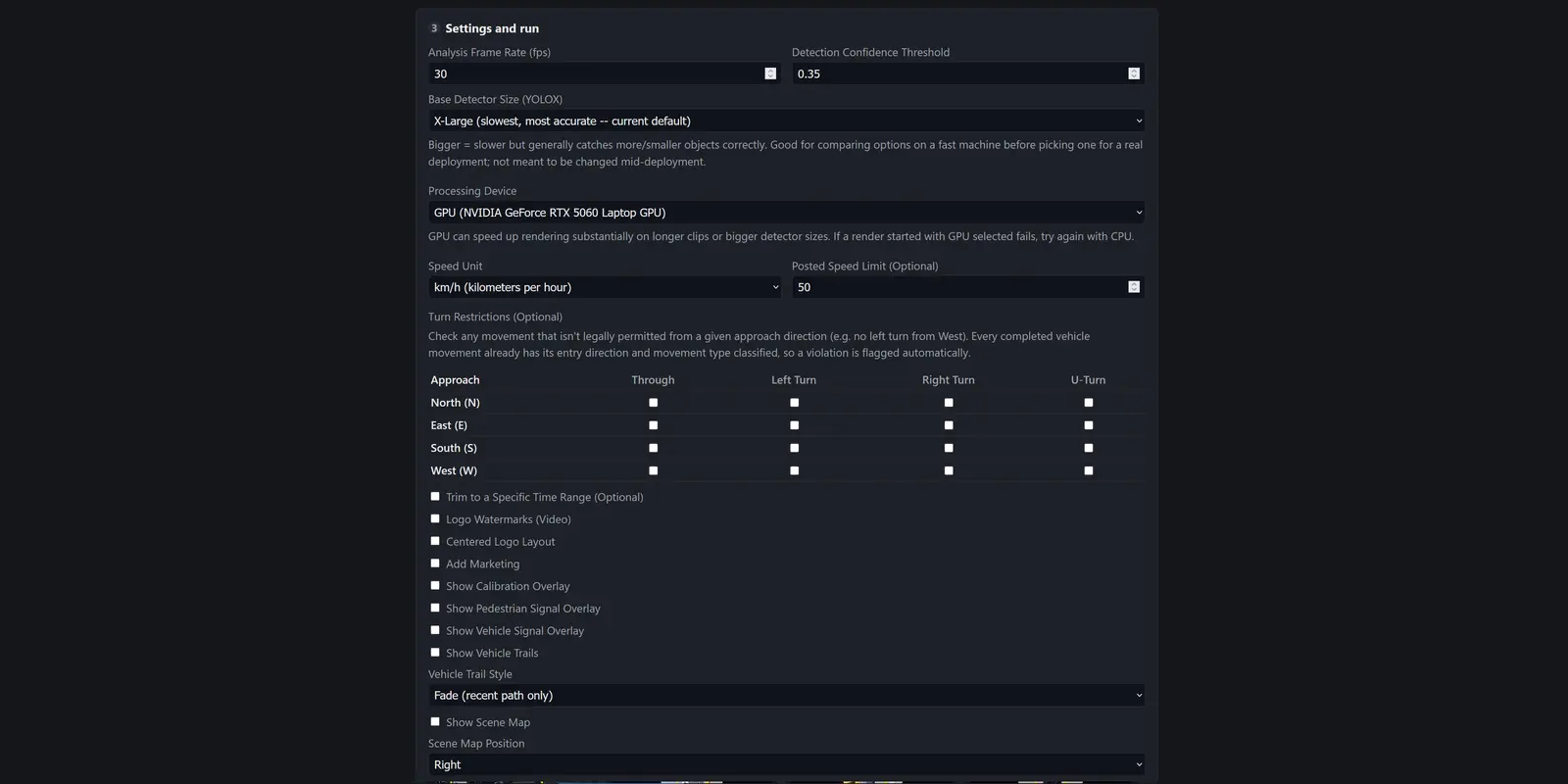
- Configurable turn restrictions per approach.
- Prohibited and illegal turn detection, flagged live the instant it happens, including movements against the signal such as a through movement on red.
Pedestrians, Cyclists & Scooters
- Curb to curb pedestrian crossing detection, by crosswalk and direction, with busiest crosswalk direction summaries.
- Outside crosswalk crossing detection.
- Late crossing tracking relative to the WALK signal phase.
- Pedestrian average crossing speed.
- Dedicated bike lane transit detection and counting, with the class of each user captured.
- Pedestrian, cyclist and scooter counts in the live display.
Safety & Conflicts
- Near miss and collision detection for proactive safety analysis.
- Live incident detection and reporting.
- Conflict tracking by type: pedestrian and vehicle, cyclist and vehicle, scooter and vehicle, vehicle and vehicle.
- Conflict locations shown on the scene map and heat map, so the dangerous spots in an intersection stand out.
Privacy & Reporting
- Face blurring, so people in the footage stay anonymous in every render and report.
- Automatic reports on a daily, weekly or monthly schedule.
- A full report package with every analysis: PDF report, CSV event exports, JSON summaries and track data.
- Traffic data analytics and reporting built for municipal planning and traffic engineering.
Platform
- Built in Python on NVIDIA GPU technology; runs on GPU or CPU.
- Windows desktop application for running the analysis, calibrating sites and reviewing training crops.
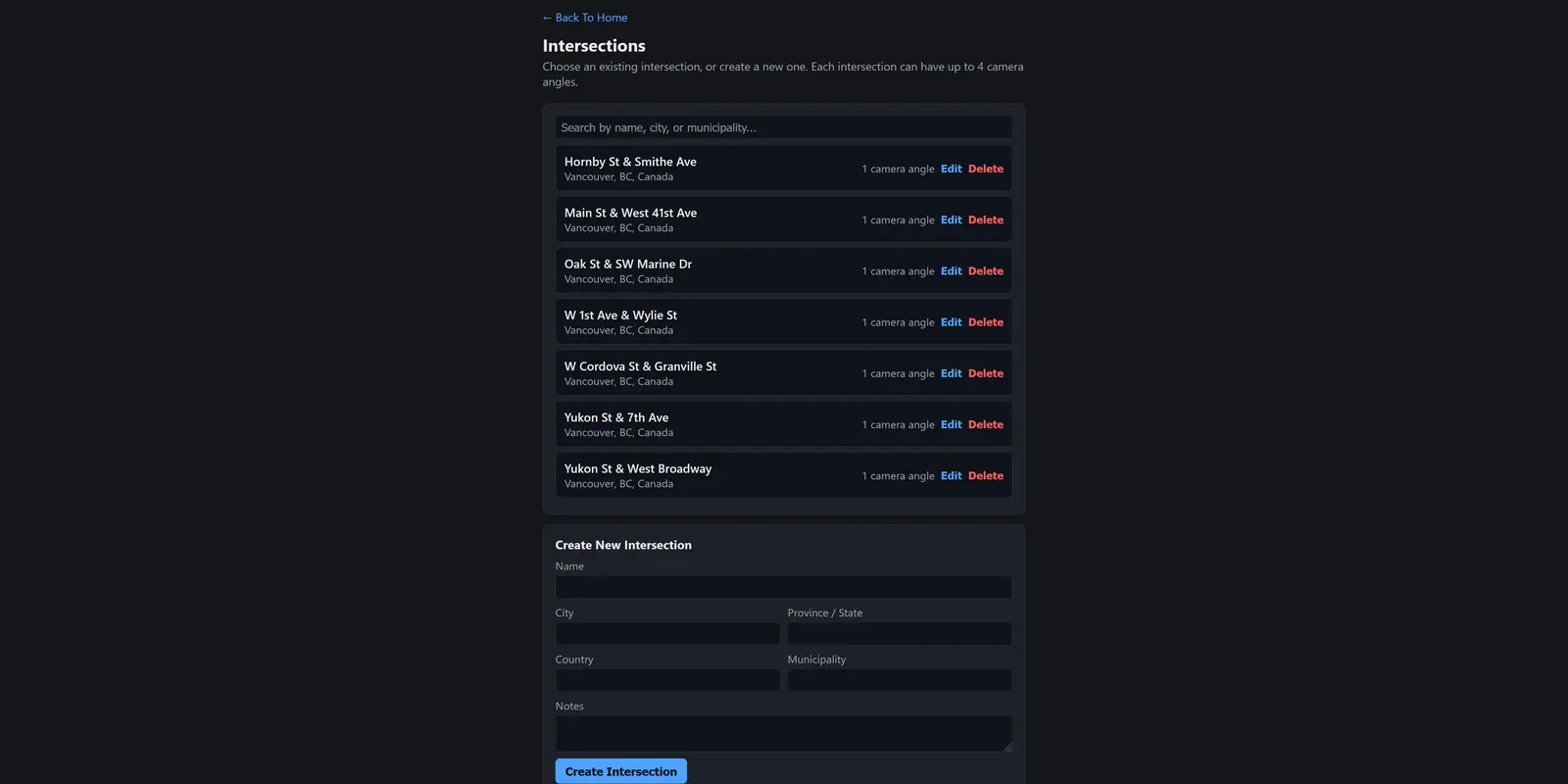
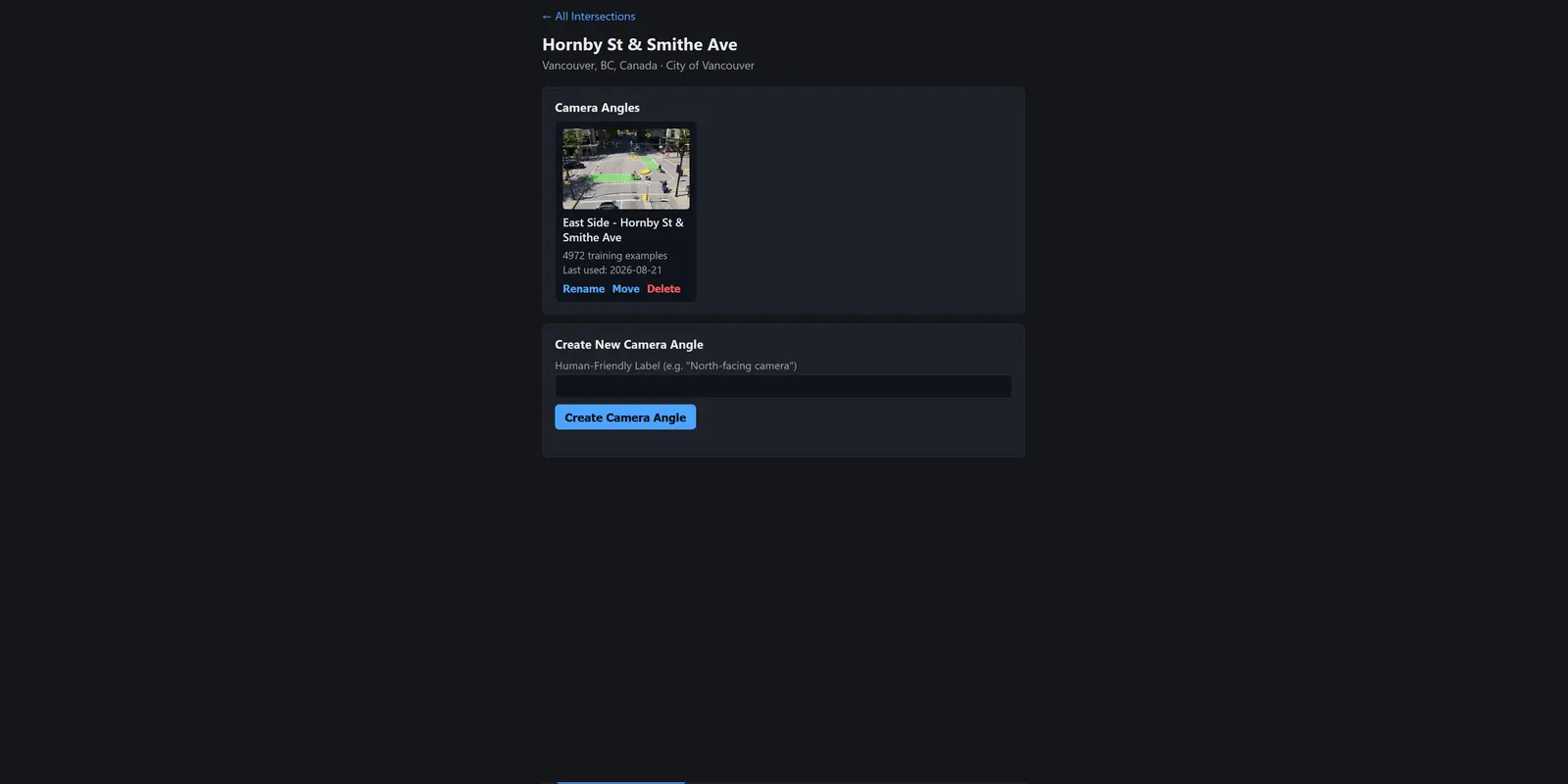
- Site, camera angle and analysis hierarchy, so many intersections and camera setups are managed independently.
- Configurable detection settings: model size, confidence threshold, speed unit and posted speed limit.
Inside Traffic Vision
Screens from the Traffic Vision desktop app and an annotated intersection. Click any picture to see it full size, then use the arrows or swipe to move through them.
Most intersections are recorded and almost none are analysed. The footage sits unused until something goes wrong, and by then it can only explain the past.
Traffic Vision watches every frame, counts what matters, and surfaces the conflicts and patterns that point to where the next serious collision is likely. That gives planners evidence, safety programs a starting point, and residents safer streets.
How Traffic Vision Is Sold
Traffic Vision is quoted per project after a short consultation, sized to the number of intersections and camera angles. Use the Request Quote button and tell us about your camera network.
Ready to see your intersections differently?
Tell us about your camera network and we will show you what Traffic Vision can learn from it.
Request Quote